Playlist tabs
Organize media cues by show segment and jump between sets quickly.
Media Board gives operators playlist tabs, media buttons, secondary screen output, overlap playback and smooth control during live sessions.
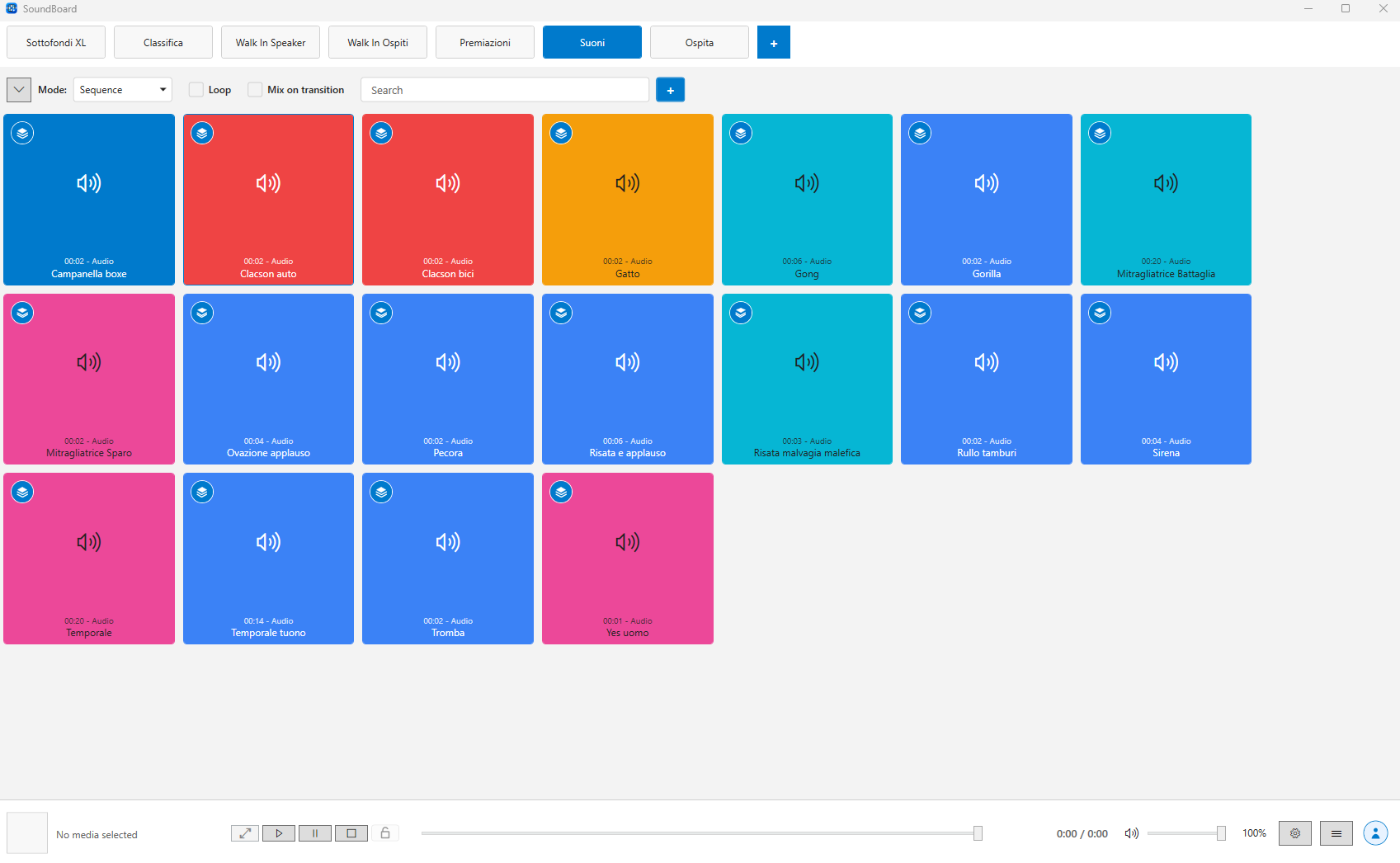
Organize media cues by show segment and jump between sets quickly.
Send images and videos to a dedicated display while controlling playback locally.
Keep your license, profile and future cloud features connected to the desktop app.
Media Board is built for people who need to trigger audio, video and still images quickly while the room is moving. Playlist tabs, colored media buttons and the Now playing panel keep the current state visible without slowing you down.
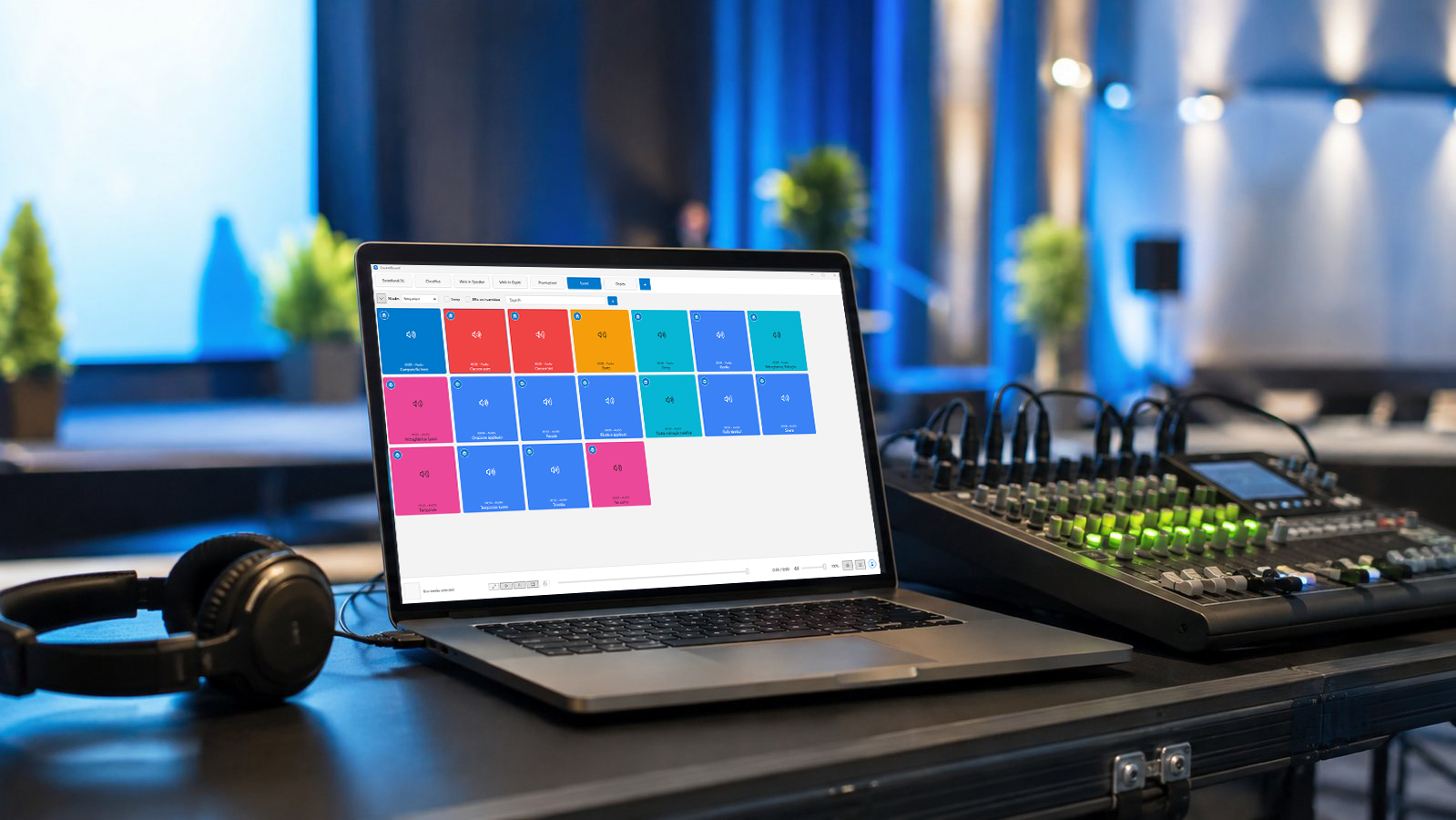
Launch jingles, timers, intros, background loops and visual cues from dedicated playlists.
Send video and image content to a second display while keeping playback control local.
Prepare entrance music, applause, voiceovers and hold screens before the audience arrives.
Keep sound effects, loops, branded screens and emergency bumpers organized in one place.
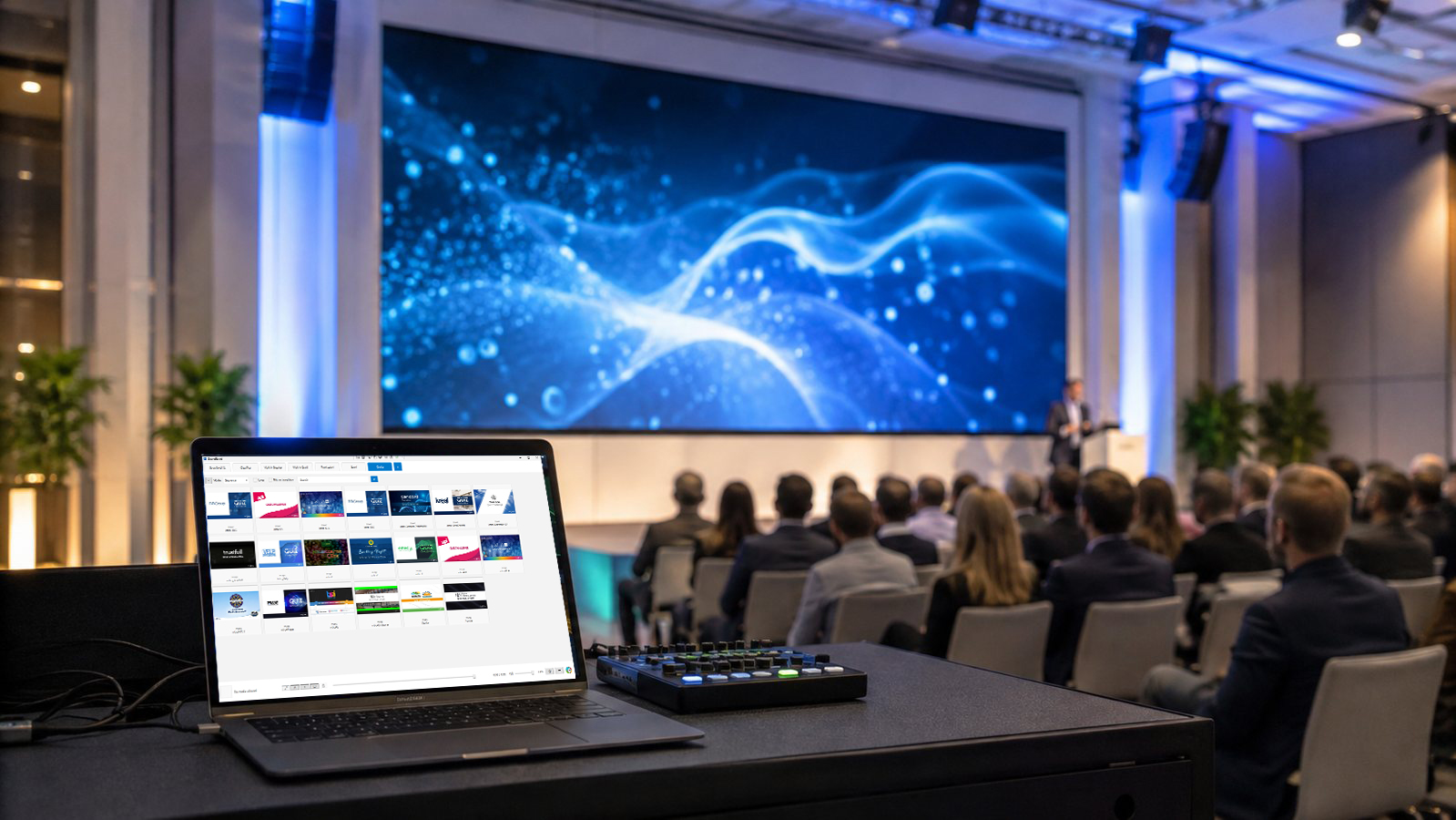
Open the secondary window on the selected monitor, keep a fallback image ready, and show only the visual media that belongs on screen. Audio-only tracks stay audio-only; videos and images can be displayed when the output window is available.
Add audio, video and image files, with automatic media recognition and optimized cover generation.
Group cues in playlists, reorder buttons, apply colors, duplicate, move or copy media between tabs.
Trigger clips with cuts, fades, overlap playback, loop lock and a persistent Now playing view.
Use local backups, online account limits, license refresh and cloud snapshots when your plan allows it.
The desktop app keeps playback local, while the account area handles profile, license, billing and future online services.
Download for Windows